


Venue information
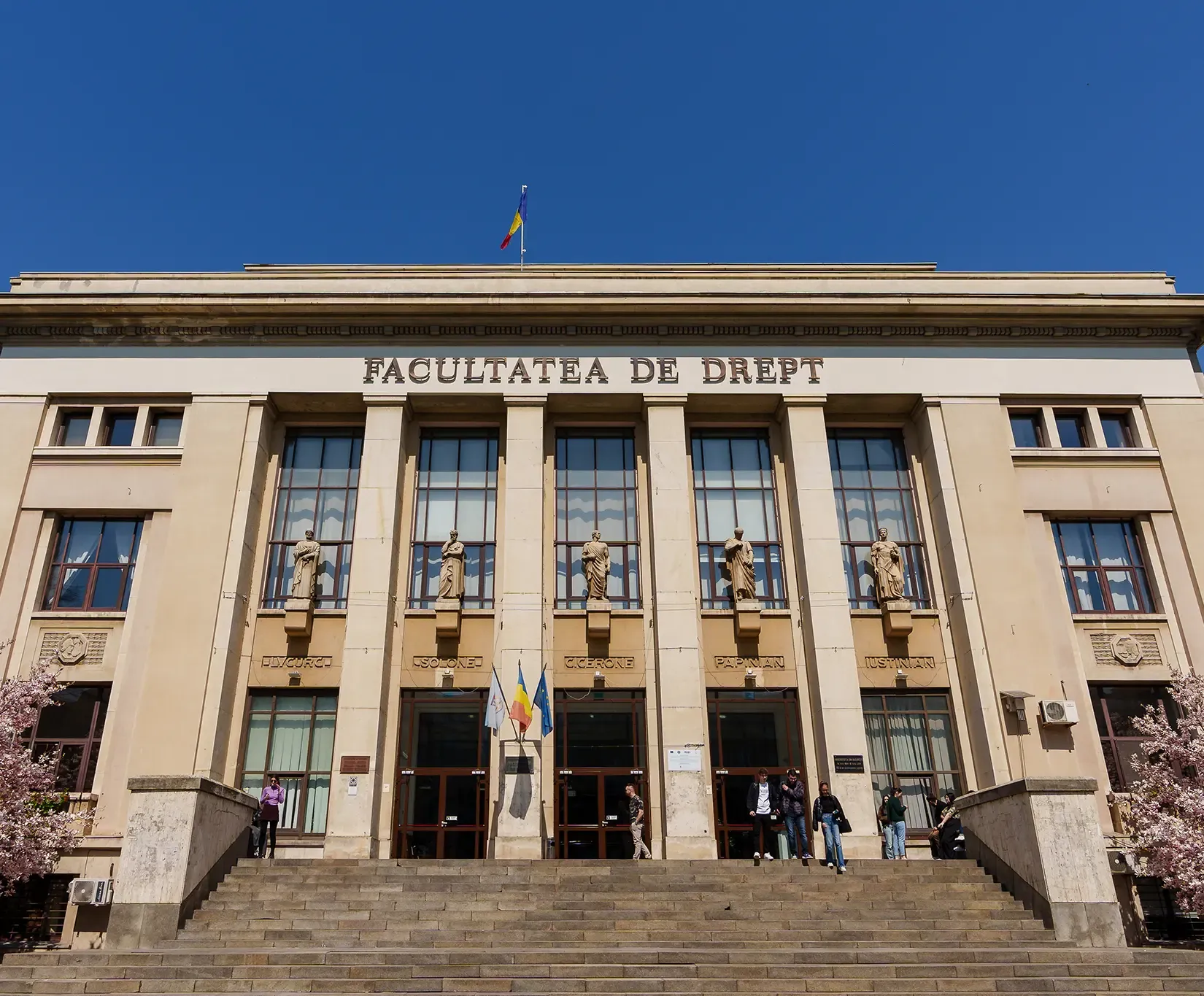
Main venue: Sunday 20 – Friday 25 September
Faculty of Law
University of Bucharest. The Congress headquarters — home to keynote lectures, plenary sessions, EASR and IAHR assemblies, the registration desk, and parallel sessions.
Select a room on the map, or in the list below, to see what takes place there.
Legend
- Congress venue
- Registration area
- Stairs between floors
- Restrooms
- Walking routes · lunch nearby
Rooms · seats
Technical details – Presentation support
Dear participants in the “Religions 360” International Congress on the History of Religions,
We look forward to welcoming you soon to the Faculty of Law of the University of Bucharest!
To ensure that your presentations run smoothly and under the best possible conditions, we have outlined below the technical equipment available in the lecture halls, along with some important recommendations.
What we provide in each room
- A laptop at the lectern connected directly to the projection system.
- A video projector and projection screen.
- A sound system.
- Wi-Fi access. Login credentials will be provided at the registration desks.
Important presentation instructions
- Bring your presentation on a USB flash drive: Please save your presentation (PowerPoint, PDF, or another format) on a USB flash drive.
- Recommended format: To avoid compatibility issues with fonts, formatting, or page layout, we recommend bringing a PDF version of your presentation in addition to the original file.
- Setup: Please arrive in your assigned room 30 minutes before your panel begins to allow sufficient time to copy your presentation to the technical laptop and check that everything is working properly.
Our technical support team and volunteers will be present in each room to assist you with uploading your materials and setting up the equipment.
We wish you a successful presentation and look forward to the inspiring academic discussions at “Religions 360”!
The Organizing Committee